You can still play many old Flash games through preserved browser versions or Flashpoint Infinity. Start by finding the game, try a browser copy, and use the desktop archive if that copy fails. You do not need to reinstall Adobe Flash Player.
You might remember everything except its name. A stick figure with a ridiculous weapon. A restaurant you somehow ran for an entire afternoon. A tiny platformer you opened when you were supposed to be doing something else.
Finding it again takes a little detective work. Here is a practical route from that half-remembered game to its opening screen, with the limits explained along the way.
Why did old Flash games stop working?
Adobe ended Flash Player support on December 31, 2020, then blocked Flash content in the player from January 12, 2021. That is why an old game page can still exist while the game itself refuses to start. Adobe also recommends uninstalling the retired player.
Official sourceWhy Flash Player endedAdobe's official explanation of the shutdown.Preservation projects offer another route. They keep copies of games and use software that can run them today. Finding a working preserved copy is more useful than trying to resurrect an obsolete browser.
1. Find the game, even if you have forgotten its name
Start with three clues: what you did, what it looked like, and roughly when or where you played it. Write down the details before searching. A colour, an unusual enemy, or the way you controlled the character is more useful than simply remembering that it was fun.
Try a search such as "Flash game robot escaping factory 2008" or "browser game running a pizza restaurant". These are search patterns, not names of games. Add the old website if you remember it. When a result looks familiar, check a screenshot or gameplay video before deciding you have found the right one.
Search the archiveFind your forgotten gameSearch the Flashpoint catalogue for a title you remember.If you later install Flashpoint, its launcher offers more precise searches. Try description:ninja to search descriptions, publisher:Newgrounds to narrow the publisher, or platform:Flash tag:Platformer to combine a technology and genre. These filters belong in Flashpoint's search bar, not Google.
Search helpSearch with better cluesFlashpoint's guide to titles, descriptions, publishers, and tags.If nothing matches, change one clue at a time. Your remembered year may be when you played the game, not when it was released. Keep a short list of near matches and note what differs. That makes your next search more useful.
2. Try a browser version first
Start with 9o3o, an experimental browser version of Flashpoint made by some of its developers. Use Browse to look through its catalogue, or Random if you want an unexpected rediscovery. It uses Ruffle to run Flash content and other emulators for other formats.
Play in your browserBrowse the playable archiveExplore preserved games you can open in your browser.Open an entry and press its player button if one appears. Wait for the game's own menu, then use its controls to begin. On September 30, 2026, we opened Santa Run 3 in a desktop browser, pressed the player button and the game's start button, and reached its opening game screen without installing Flash Player or creating an account.
The example we checkedTry Santa Run 3Open the same game we checked for this guide.That check confirms the opening works in our browser. It does not establish that every level, save feature, or mobile control works. Treat the browser archive as an experimental option, and move to the next step if your game will not cooperate.
Official sourceHow the browser archive worksRead about 9o3o and get help with playback problems.The Internet Archive also has a Flash collection with Ruffle-powered playback. Look for an item with an embedded player and start it there. An archived web page on its own is not proof that all the files needed to play its game survived.
Keep exploringExplore the Flash collectionBrowse games and animations preserved by the Internet Archive.Official sourceHow Internet Archive preserves FlashThe project explains its browser emulation.3. Use Flashpoint Infinity if the browser copy fails
Flashpoint Infinity is the desktop option to try when you want particular games rather than the entire archive. It downloads game files when you need them. The much larger Ultimate edition bundles the archive; you do not need that edition just to revisit a few favourites.
On Windows: open the official download page, choose Flashpoint Infinity and its installer, complete setup, then open the launcher. Search for your game, select its entry, and start it. Stay connected while the required files download.
Play on your desktopGet Flashpoint InfinityChoose the official download for your computer.Mac and Linux users should choose their platform's package and follow the linked setup guide. The current download page offers both, but their support differs from Windows. Read the platform notes before downloading, especially if a particular game is the reason you are installing.
Mac setupSet up Flashpoint on MacFollow the official platform instructions and support notes.Linux setupSet up Flashpoint on LinuxFollow the official platform instructions and support notes.Keep a note of the title, developer, and working entry once you find your game. The next time you want to play, you should not have to repeat the search.
Already have a .swf file? Open it with Ruffle
An old download ending in .swf may be the Flash file you need. Open Ruffle's official web demo, use its file picker, and select the file from your device. This route does not require a browser extension.
Already have the file?Open your game in RuffleHave a .swf file? Load it in the official web player.Ruffle's guide documents this method for modern desktop and mobile browsers. A file loading successfully still depends on the game and its requirements. If it needs missing files or its original website, finding a complete preserved entry may work better than repeatedly opening that one file.
Official sourceRuffle's official guideLearn how to open Flash files with Ruffle.What if the game still does not work?

A blank player does not necessarily mean the game is lost. Ruffle's compatibility is still incomplete. Check for a documented issue with the title, or try its Flashpoint entry if one exists. Do not interpret Ruffle's implementation percentages as a guarantee that the same percentage of games will work.
TroubleshootingCheck Ruffle compatibilitySee the project's current implementation progress.Some games require several files or expect to run on their original website. Flashpoint is designed to handle those dependencies. Others may be absent from the archive, including games removed at a creator's request. A missing entry is not proof that no playable version exists anywhere.
Flashpoint does not restore original online multiplayer services. Preserving a game's files cannot, by itself, bring back its old community or servers.
TroubleshootingGet help with a missing or broken gameFlashpoint explains dependencies, missing entries, and multiplayer limits.Can you play old Flash games on your phone?
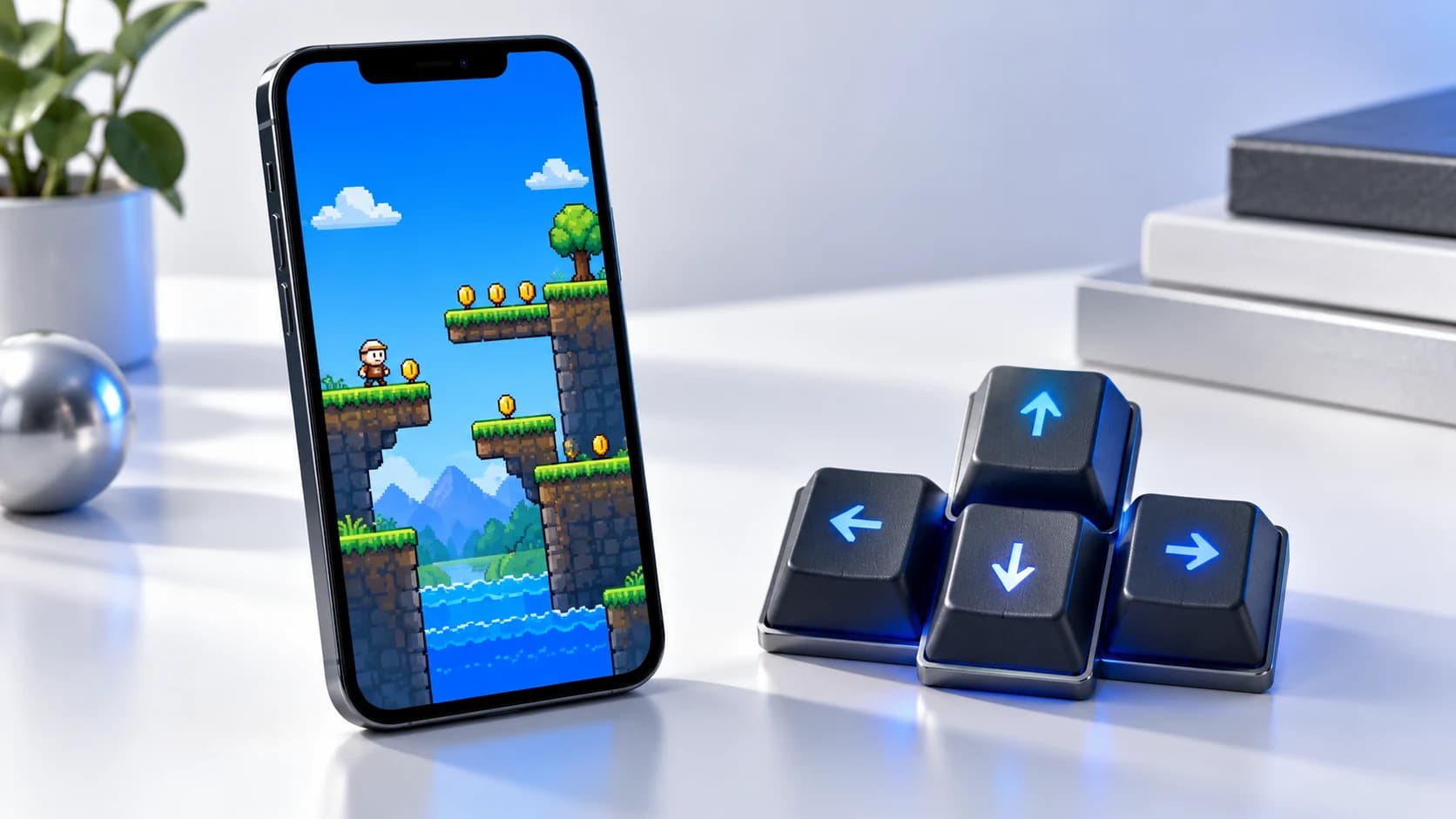
Some browser versions can work on a phone, but opening the game and being able to control it are different things. A title designed for arrow keys or a mouse may be awkward on a touchscreen. Try its browser entry first; use a computer if essential controls are missing.
The Flashpoint desktop launcher is not an Android app. Its FAQ points mobile users toward the experimental browser subset and other emulator options, with limits that depend on the title.
Found it? Save the link this time
Bookmark the working entry, write down the title, and send it to the person who used to play it with you. The satisfying part is often that first familiar menu, when a game you could barely describe suddenly has a name again.
Read nextFind your next browser gameExplore Biltib's guide to free geography games.What we checked
We checked the linked official documentation on September 30, 2026, and opened Santa Run 3 through 9o3o in a desktop browser, reaching its opening game screen. We did not complete the game, test mobile controls, or install Flashpoint. The desktop steps above follow the project's documentation. Availability and compatibility can change.