The best websites like Pinterest depend on what you want to collect. Cosmos and Savee suit visual references, Designspiration helps with colour-led ideas, Are.na brings research together, Same Energy finds images with a similar mood, and Behance and Dribbble let you study designers' work.
A good reference should move your project forward. It might suggest a colour you had not considered, show how an identity works across several objects, or give a half-formed idea somewhere to grow. These seven sites approach that job differently. Here is where each earns a place in your bookmarks.
For an everyday visual reference library
Cosmos
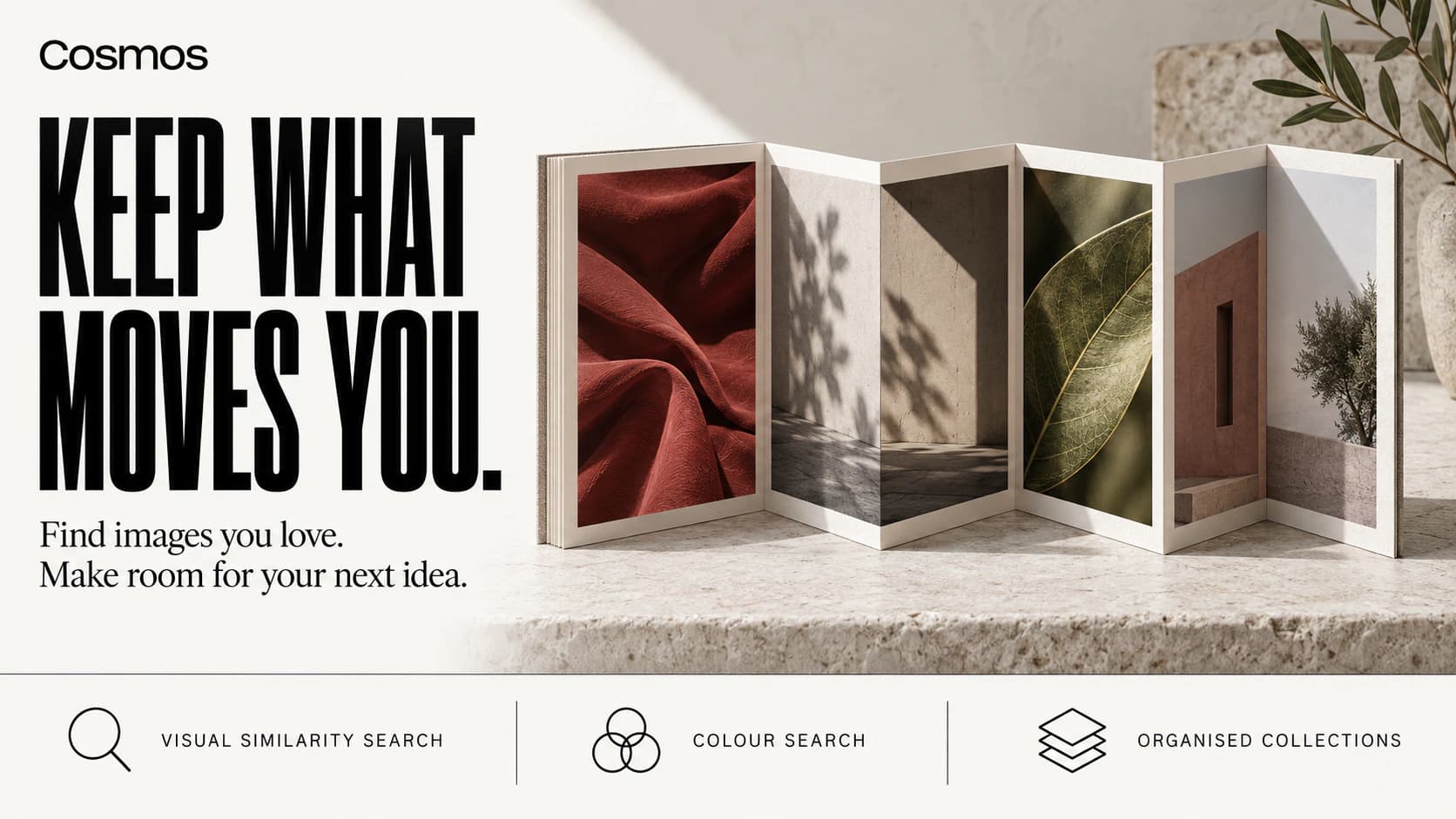
Choose Cosmos when you want to discover images and find them again later. Search by phrase or colour, or upload a reference image on desktop to look for similar results. You can search inside a saved collection too. For a room redesign, try gathering materials, furniture shapes, and lighting references around one direction, then searching within that collection when you need a particular detail.Cosmos search guide: keyword, colour, image, and saved-collection search.
For art direction and visual moodboards
Savee
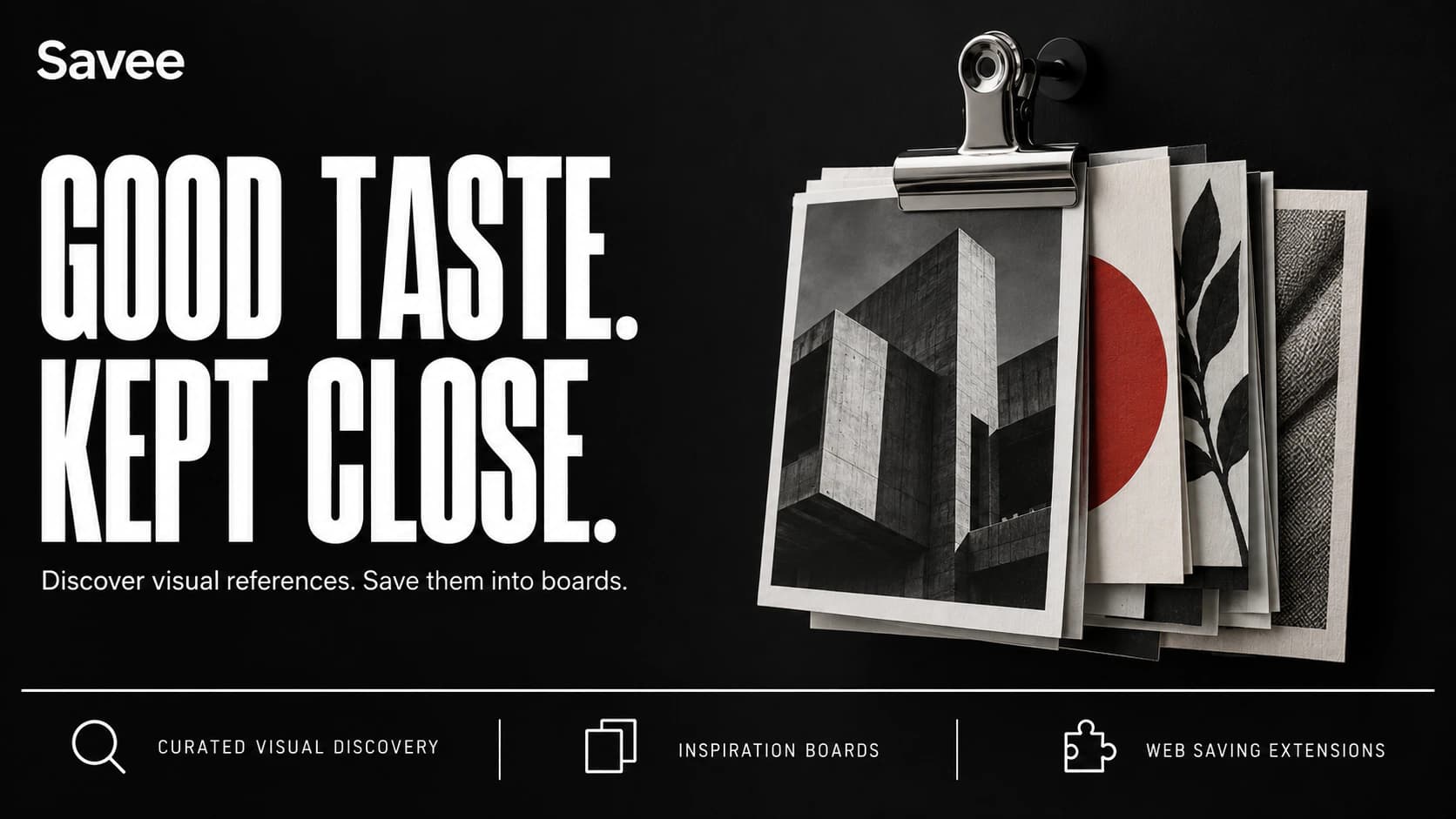
Savee makes sense when your brief starts with a feeling. Collect photographs, layouts, sketches, and colour references, then organise them into boards. Its designer community gives you other people's selections to explore. For a music release, you could gather stage lighting, type treatments, and sleeve photography until a visual direction starts to emerge.Savee's official feature and membership details.
For colour-led creative research
Designspiration
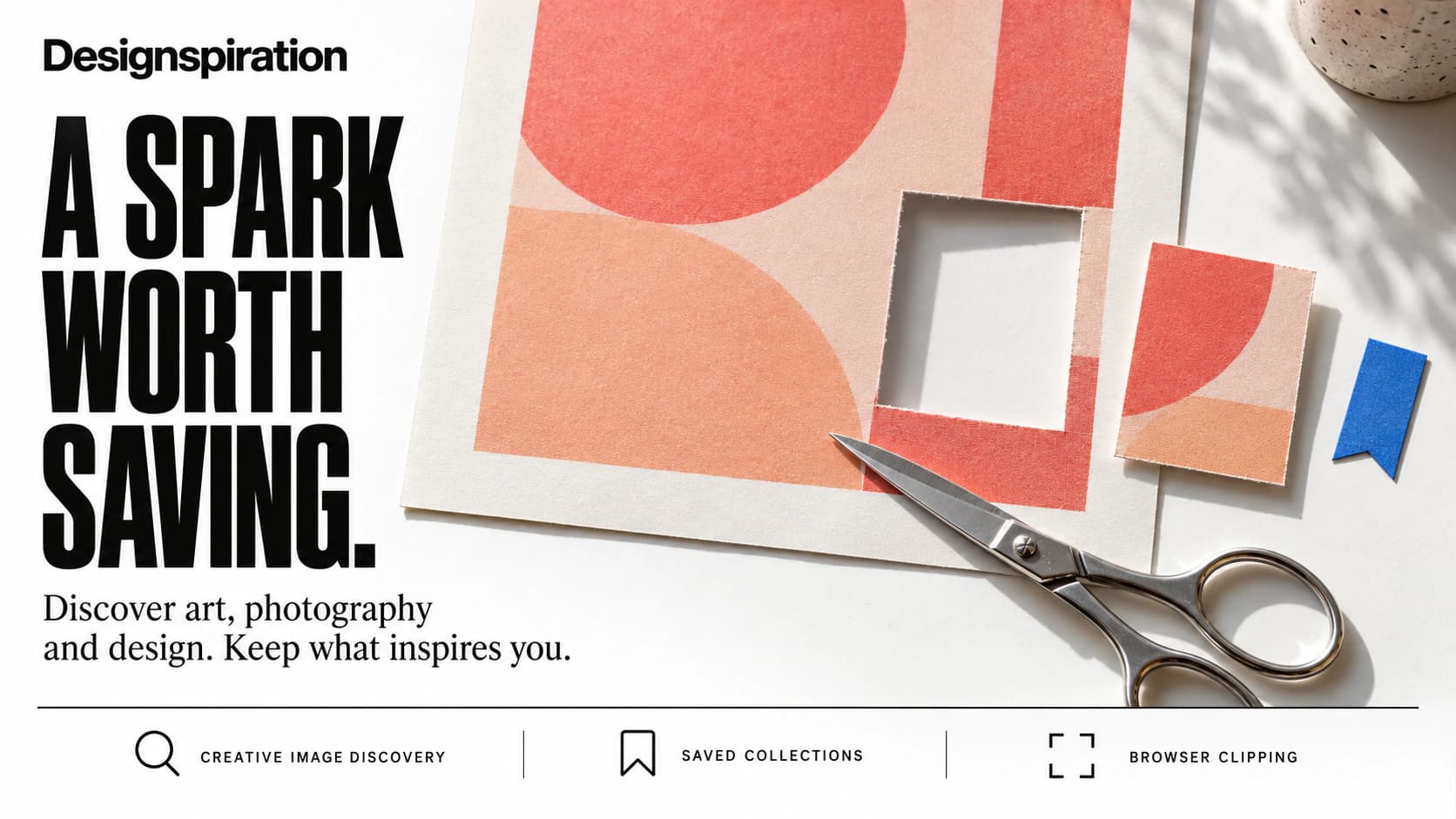
Sometimes you know the palette before you know the design. Designspiration lets you search for ideas by colour and collect the references that fit. Think of a poster brief with an established brand colour: looking across different compositions can help you decide how much of that colour to use and what should sit beside it.Designspiration's Basic, Pro, and Visions feature comparison.
For research that needs more than pictures
Are.na
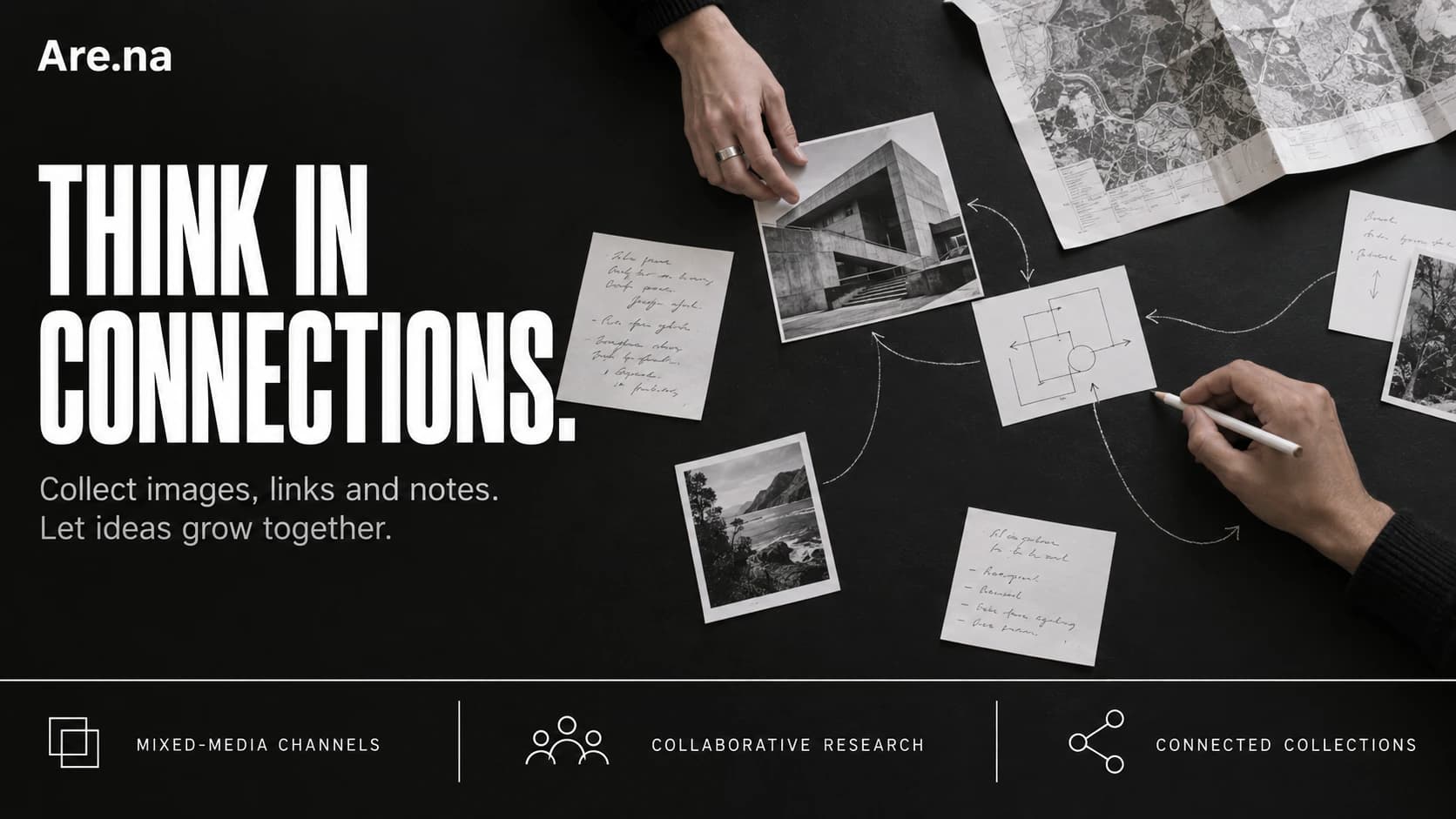
A photograph gives you the atmosphere. An essay explains the idea. A note reminds you why either belongs in the project. Are.na holds those pieces in channels, where images, text, webpages, and files can live together. Follow an item into other channels to discover how someone else has connected it to a different subject.Are.na's guide to blocks, channels, collaboration, and plan limits.
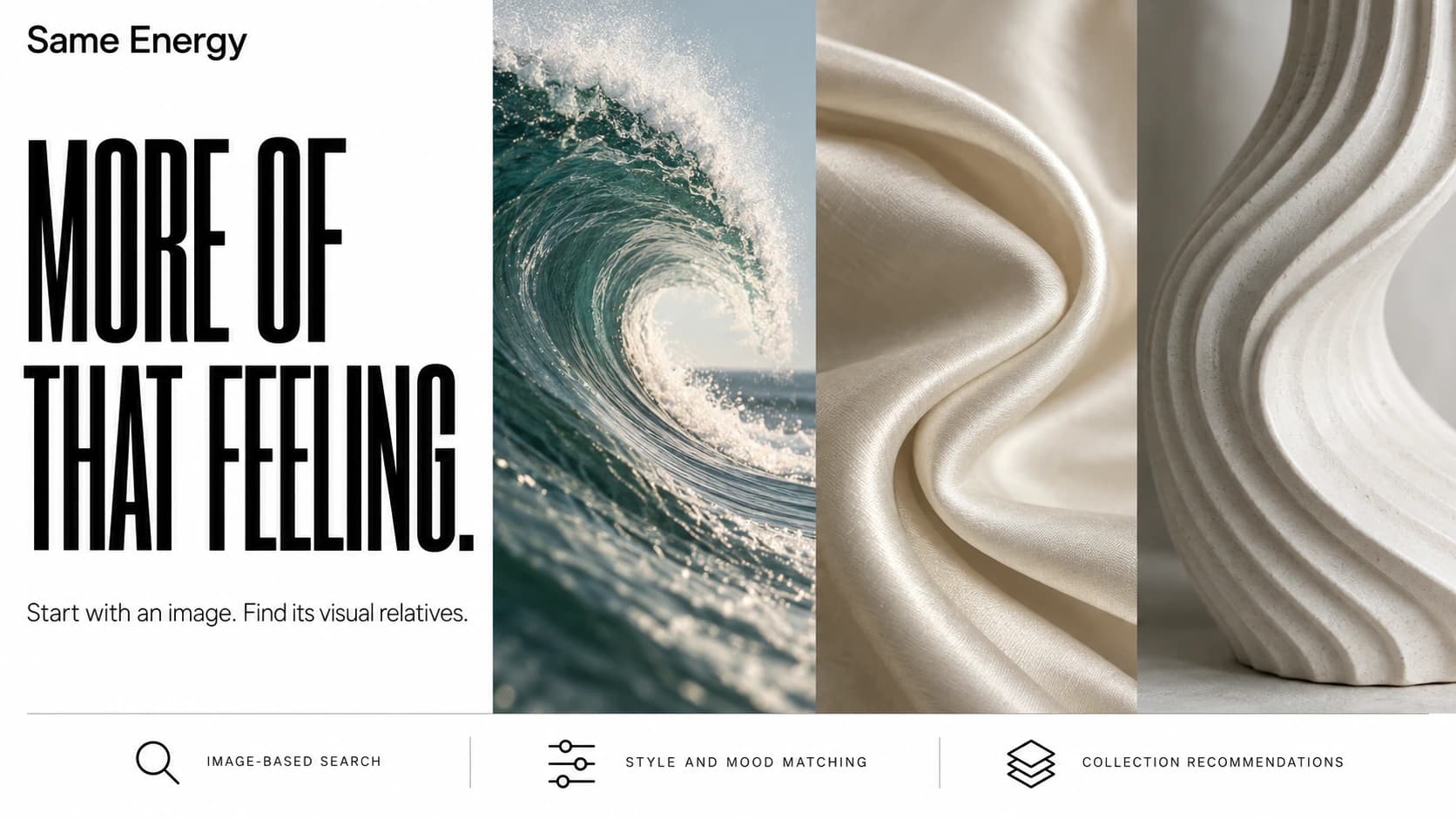
For finding a mood you cannot put into words
Same Energy
You have a reference image, but typing its subject into search keeps producing the wrong feeling. Same Energy searches visually, using an image's style and mood as well as what it depicts. Start with a photograph or artwork and follow the matches. A useful experiment: look for the same atmosphere across completely different subjects.Same Energy's explanation of visual search, recommendations, and beta status.
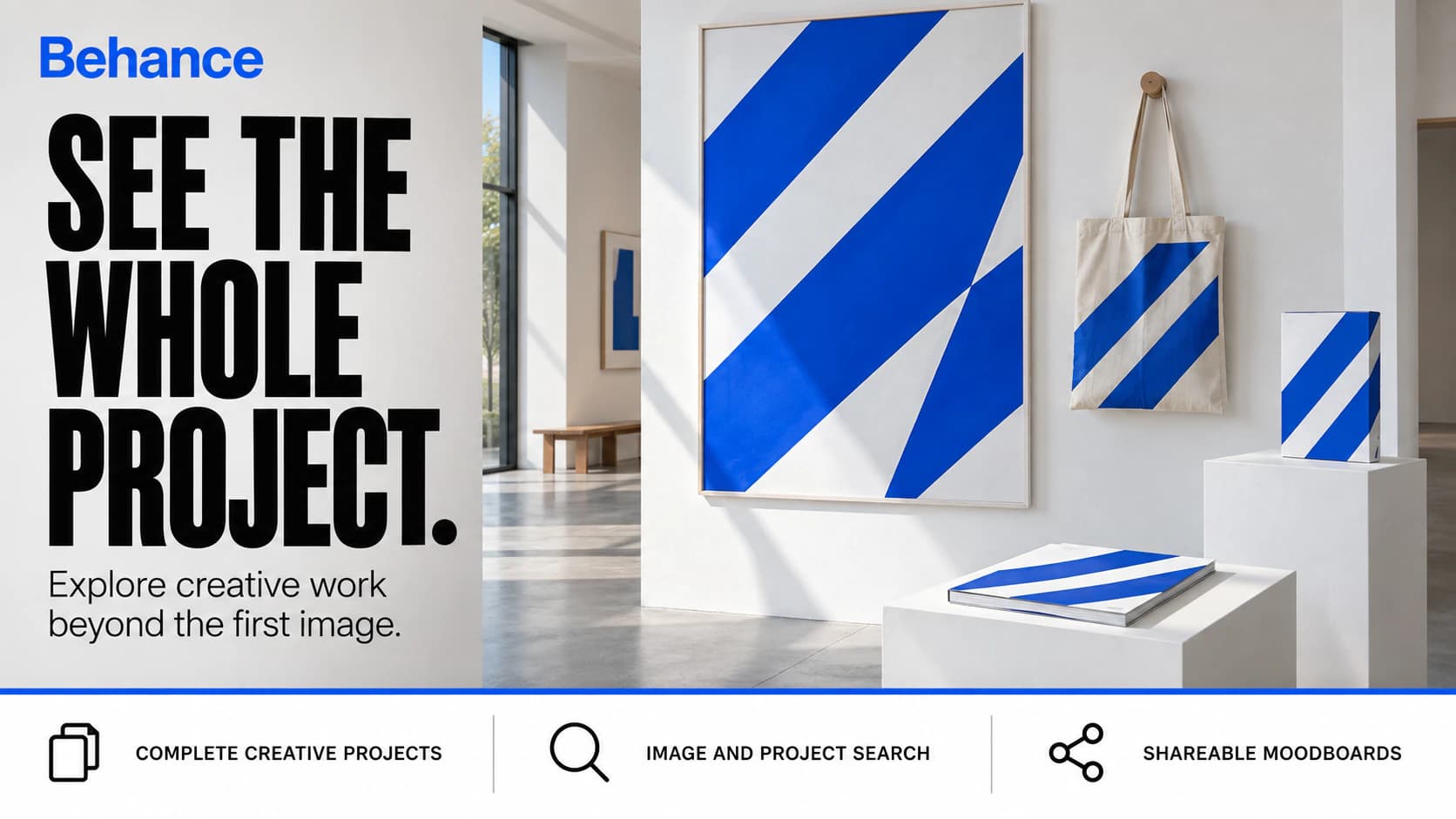
For studying a whole creative project
Behance
One beautiful image can leave you wondering how the rest of the project works. Behance lets you explore creative projects and save either individual images or entire projects into Moodboards. For a brand identity, use that extra context to study how a visual idea carries across different applications. It gives you a reason to open the project instead of stopping at its cover.Behance's official Moodboards guide.
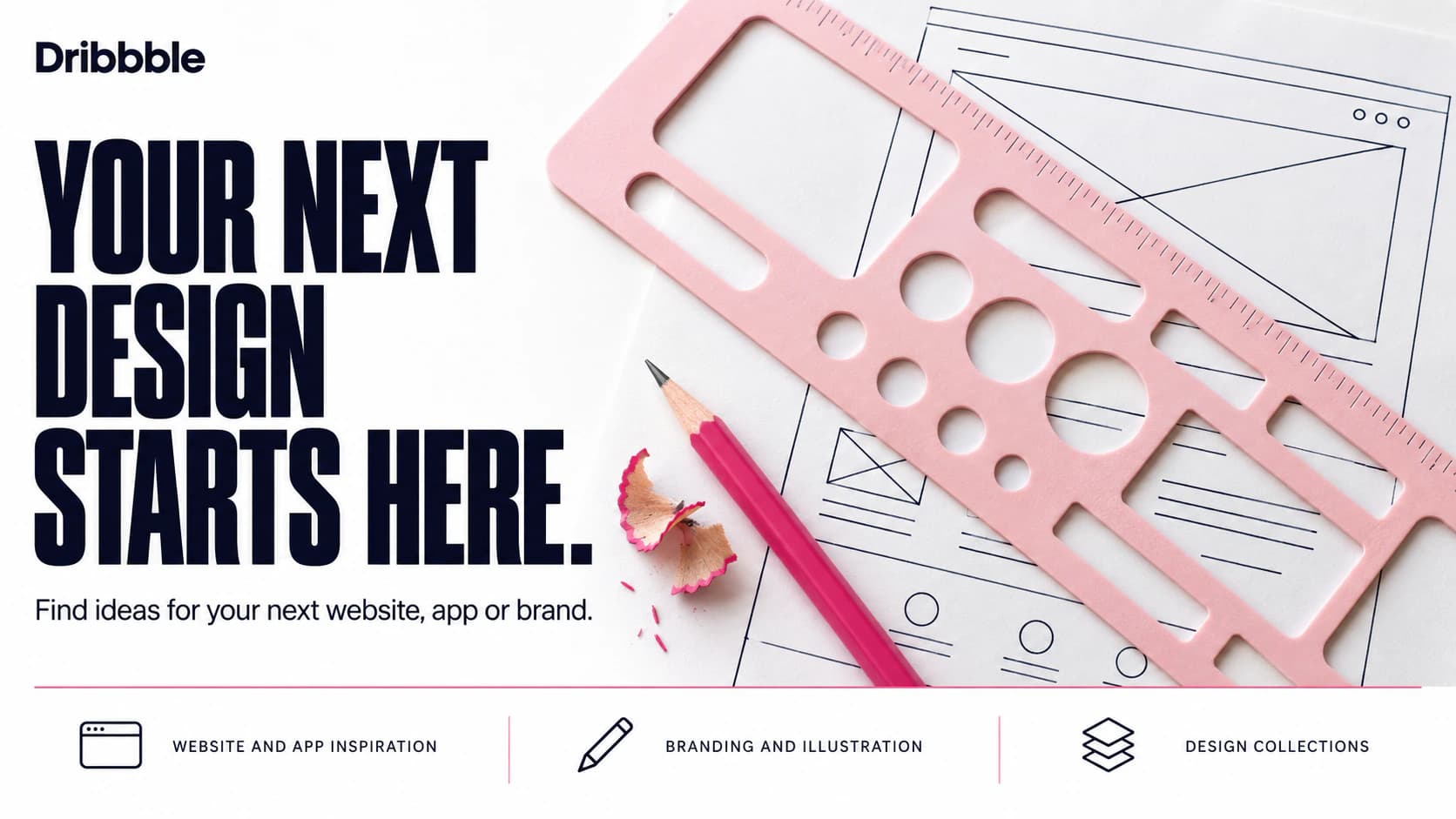
For websites, app screens, and interface details
Dribbble
Dribbble is useful when the thing you need to design is specific: a dashboard, landing page, onboarding screen, or mobile app. Browse design shots and follow the designers behind them. For a new interface, collect several approaches to the same problem and compare their hierarchy, spacing, and use of colour before choosing a direction.Explore Dribbble's design categories, shots, and marketplace.
Which Pinterest alternative should you choose?
For a general visual library, start with Cosmos. For a board that establishes the look of a campaign, consider Savee or Designspiration. For research that mixes pictures with reading and notes, choose Are.na. When you have one strong image and need more with its atmosphere, try Same Energy. Use Behance for project context and Dribbble for specific digital design references.
Try one real brief before moving your entire archive. Save ten relevant references, return the next day, and see whether you can find the one you remember. Then check privacy, exports, and collaboration against the way you work. That small exercise is more useful than opening seven new accounts and never returning to them.
Which websites like Pinterest have free options?
Cosmos offers free access with optional Premium features. Designspiration's free Basic plan includes search, saves, and collections. Are.na's free Guest plan has a 200-block limit. Free access does not mean every collaboration, export, or moodboard feature is included; the official plan links above explain the differences.
Can you import your Pinterest boards?
Cosmos supports imports through Create (+) > Import, or through its browser extension on Pinterest. Its documentation excludes private boards, boards with sections, boards containing video pins, and boards with more than 5,000 pins. Check whether your boards qualify before planning a move.
Is there a Pinterest alternative that filters AI images?
Cosmos provides controls to show, blur, or hide AI-generated content under Settings > Content filtering. That is a specific filtering option, not a guarantee that every AI image will be identified. A site's use of AI for search also does not tell you whether every image in its collection was made by a person.
Cosmos FAQs: free access, Pinterest import restrictions, and content filters.
How we selected these seven websites
Biltib checked the linked official product pages and help documentation on September 13, 2026. We selected these sites for different parts of creative research: discovering references, collecting them, connecting ideas, and studying design work. Recommendations and project examples are our editorial interpretation of those documented features. This is a researched comparison, not a hands-on benchmark. The linked Biltib product pages provide more detail and a direct way to visit each site.