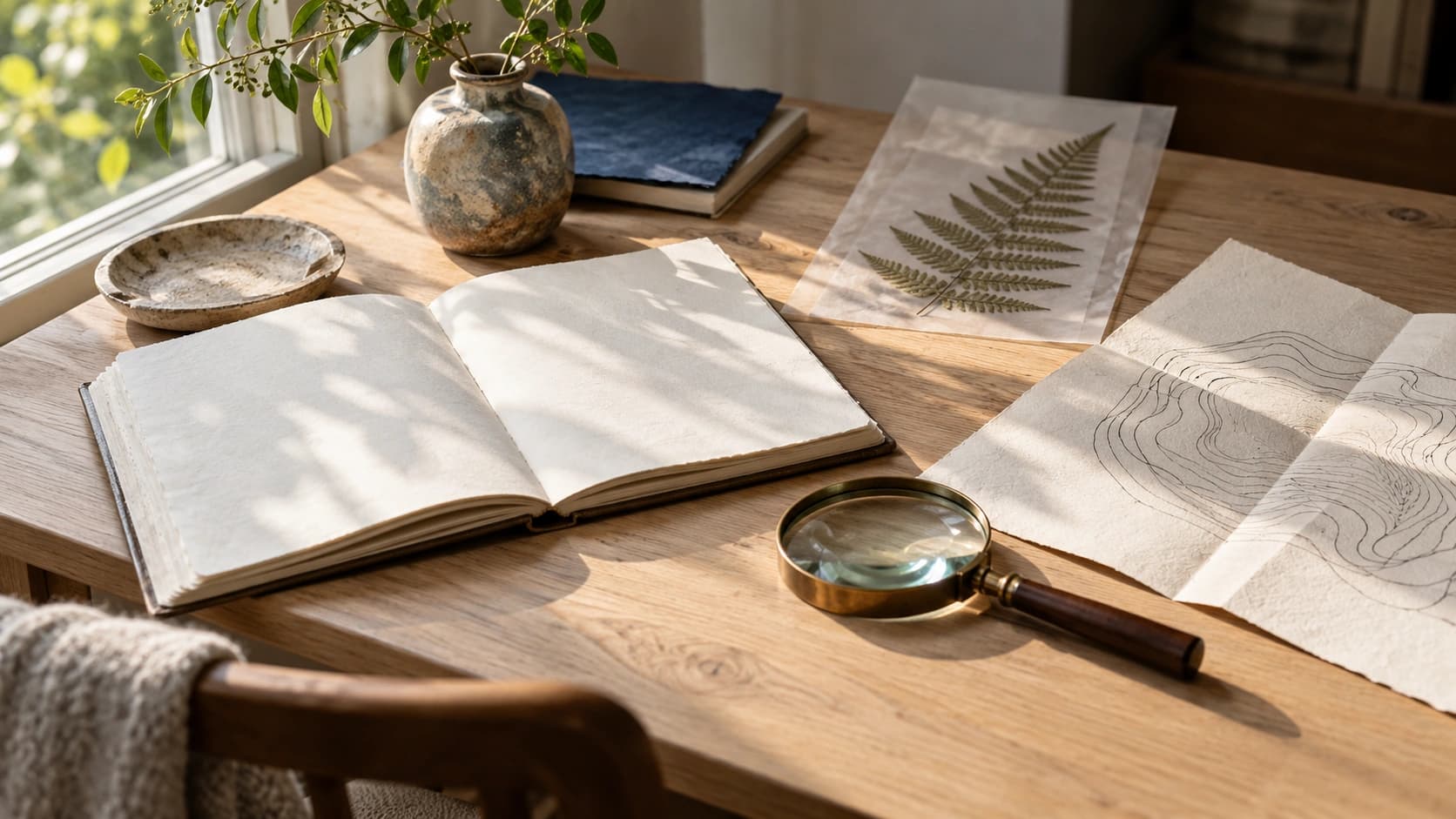
A few details can be enough to start a creative detour. AI-generated editorial illustration.
Created with AI assistance. The accompanying images are AI-generated editorial illustrations of original concepts, not archival images or tested outcomes.
A menu can teach you something about a poster. A piece of embroidery can suggest the rhythm of a page. A photograph of a spacecraft can make you notice an ordinary material differently.
Digital collections give those discoveries somewhere to begin. You can follow an object back to a date, a maker, a technique or a story, then take a more specific question into your own work.
These seven places offer different routes in. Pick the one that catches your attention and give yourself twenty minutes. The exercises below are original prompts to try, not examples of results we generated or tested with the sites.
1 The Met Collection
Start with the way something was made
The Met’s collection is a good place to investigate a material or technique. Begin with something concrete: embroidery, glazed earthenware, a folding screen. Read the object description before deciding what belongs in your reference folder.
Try this: sketch three arrangements for a fictional book cover using only rectangles. Let one arrangement have a large central panel, one a repeated sequence, and one a substantial border. Keep your own imagery and lettering. The exercise is to learn how framing changes attention.
The Met’s Open Access programme covers designated public-domain images under CC0. Look for the OA designation and read the individual record when choosing a download.
Explore The Met CollectionOpen Access details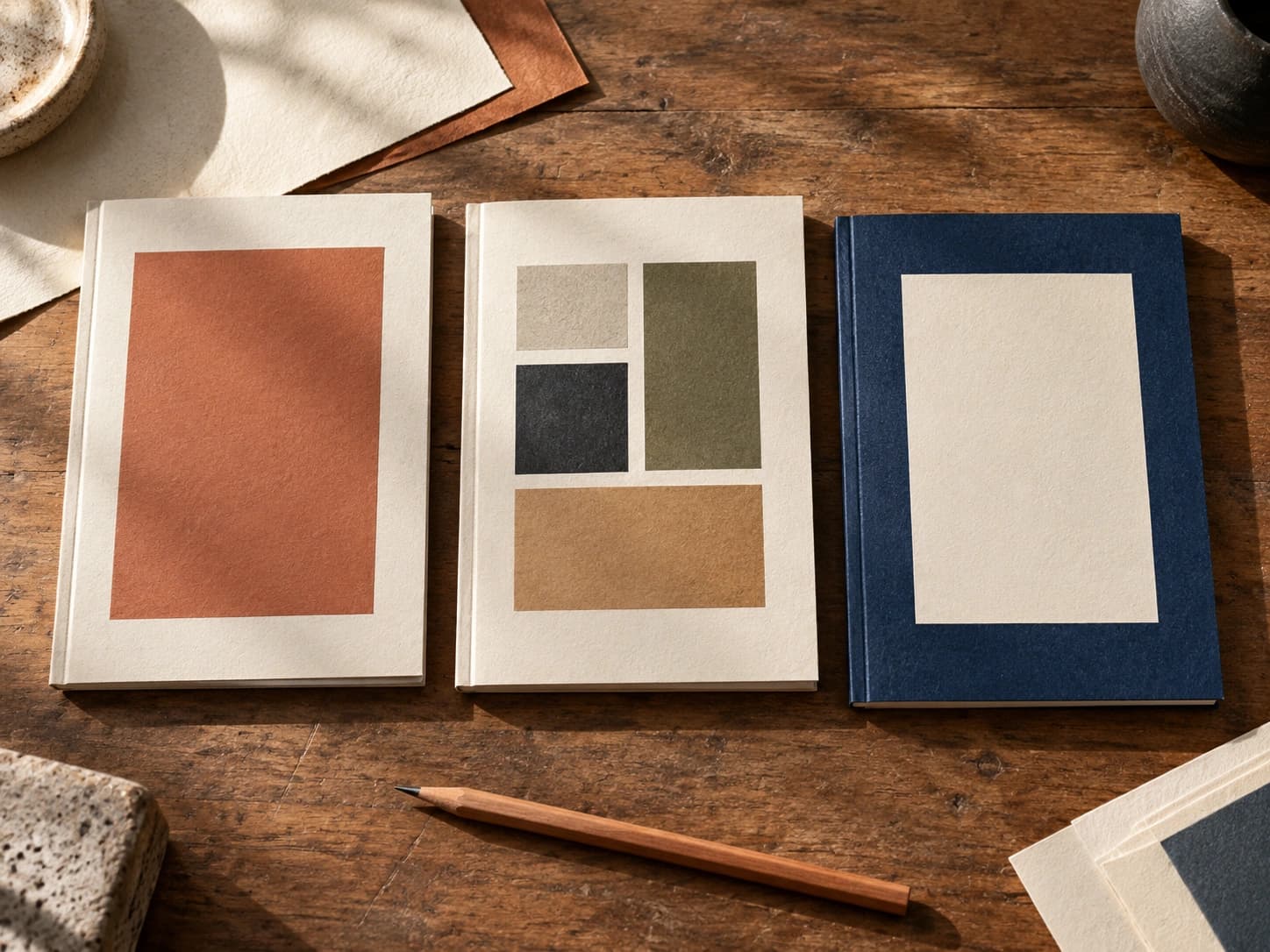
2 Smithsonian Open Access
Follow an object into another subject
Smithsonian Open Access brings together 2D and 3D digital material. That makes it an inviting place to explore a subject beyond the kind of image you expected to find. An object can be interesting for its shape, the process that made it, or the story recorded beside it.
Try this: choose three objects from different subjects and invent a tiny exhibition called “Built to Hold.” For each, write one sentence about what it holds and another about how its form does the job. Sketch a new everyday container using one structural idea you noticed.
Choose assets explicitly marked CC0 when you want the Smithsonian’s copyright-free material. A collection record being visible does not make every associated image open access; other rights or cultural considerations may still matter.
Explore Smithsonian Open AccessRead its reuse FAQ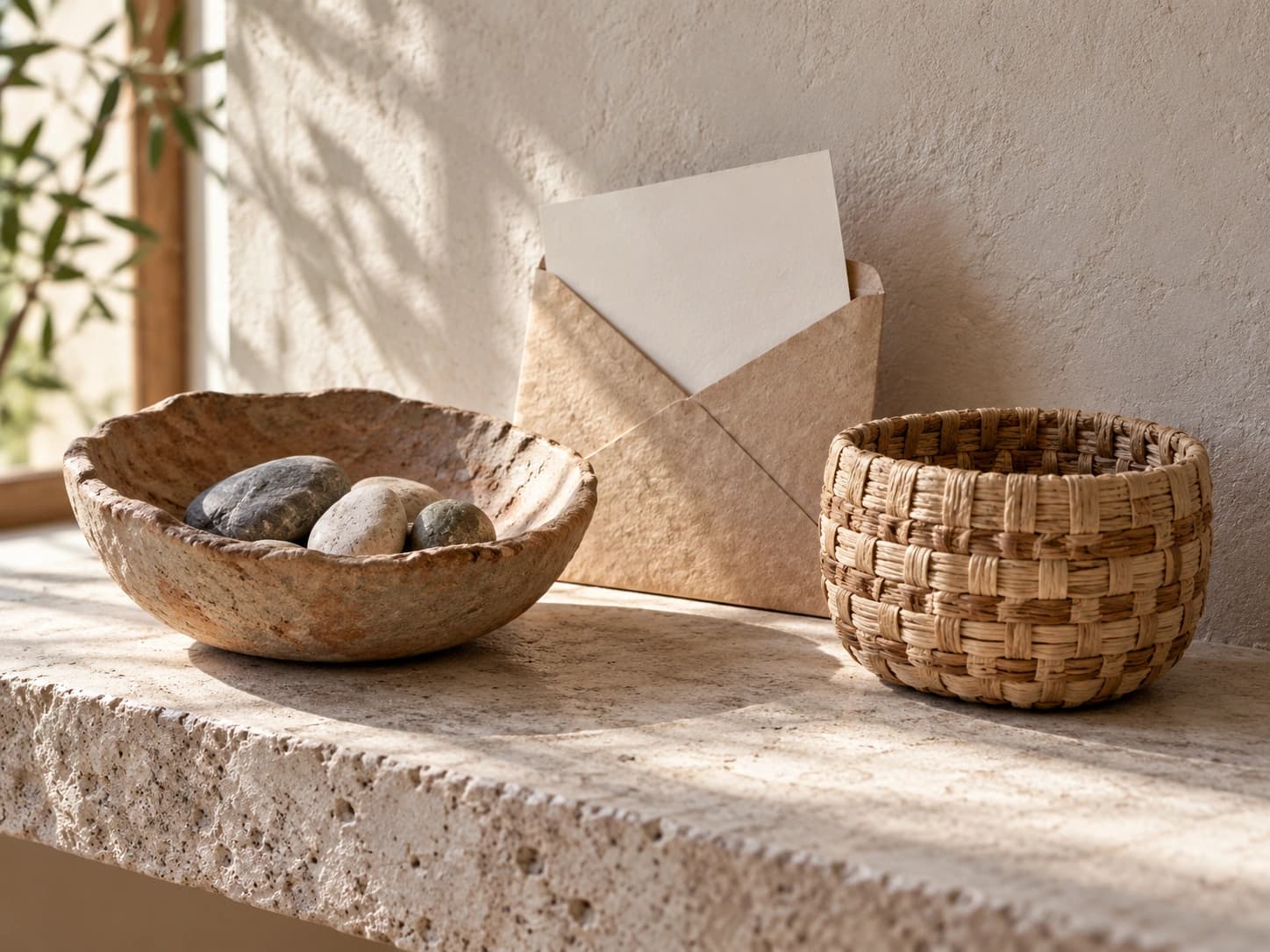
3 NYPL Digital Collections
Look for design that had an everyday job
The New York Public Library’s Digital Collections includes maps, manuscripts, illustrations and photographs among its digitised holdings. It is particularly appealing when you want to examine how people presented ordinary information.
Try searching for a menu, a theatre programme or a map. Look at what is large, what is repeated and what the reader is expected to find first. The useful detail might be a narrow column or an unexpectedly generous margin.
Try this: write six dishes for an imaginary neighbourhood supper. Arrange the same words twice: once with a single strong heading, then with three clearly separated groups. Read each version at arm’s length. Which one lets you find a dish faster? You have turned a historical reference into a practical layout question.
If you need material to reuse, enable “Search Only Public Domain,” then check the item’s statement. NYPL frames that category around no known U.S. copyright restrictions; privacy, publicity and other restrictions can still apply.
Explore NYPL Digital CollectionsSearch and reuse guidance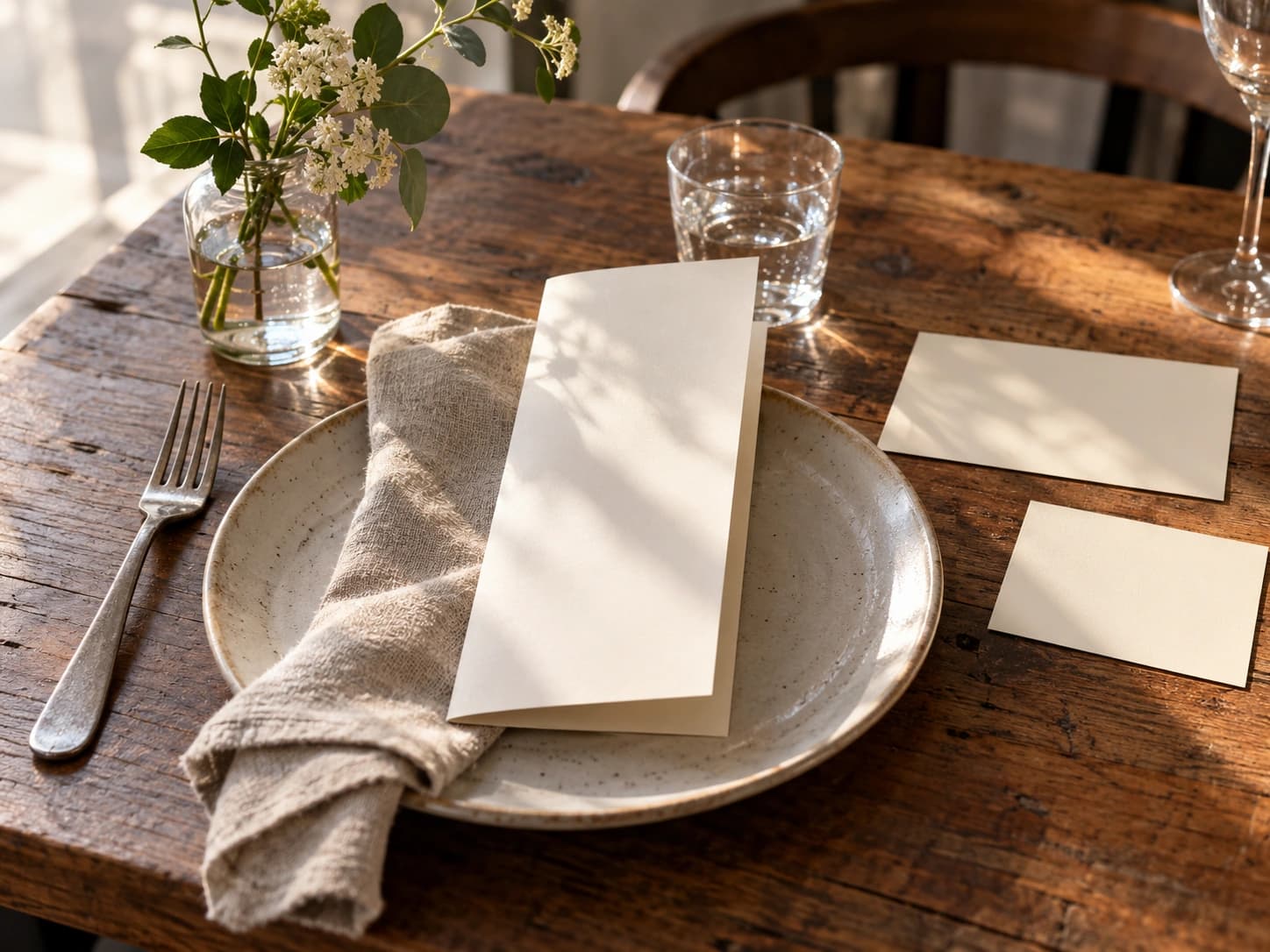
4 Biodiversity Heritage Library
Let a small natural detail take over
Biodiversity Heritage Library opens up digitised natural-history literature and archives. Its illustrated pages are a rich starting point for studying observation: how a leaf is described, which parts of an animal are separated out, or how several related forms share a page.
BHL also links to a Flickr collection of nature illustrations, a useful visual entrance if opening a whole volume feels too broad. Follow a promising image back to its book so you can keep its context.
Try this: study a page of plant forms, then put it aside and draw a plant in your own surroundings. Make three versions: a simple silhouette, a branching line drawing, and a close study of one edge. Use the version you find most distinctive as the starting point for an original bookmark.
Check the specific work’s rights information. BHL contains both public-domain material and in-copyright works made available under licences. Free access does not automatically permit commercial reuse.
Explore BHL and its illustration linksCopyright and reuse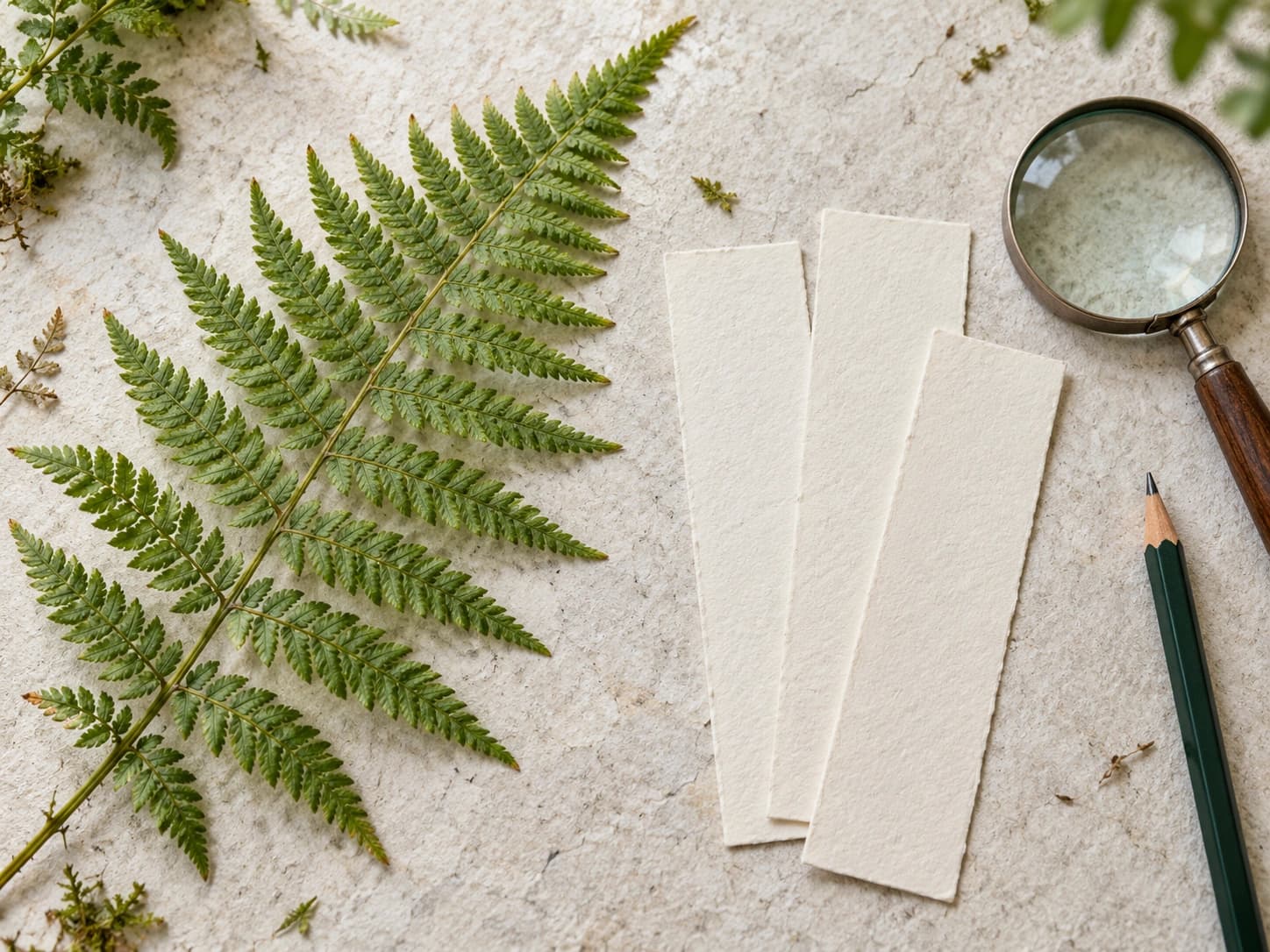
5 Rijksmuseum Collection Online
Compare two images slowly
Rijksmuseum Collection Online includes a Comparator for placing artworks side by side and zooming into their details. That gives a familiar activity, looking at art, a useful constraint: choose two works and work out what changes between them.
Start with still lifes or interiors. Compare where the light enters, how much empty space is left, and which object attracts your attention first. The museum’s collection landing page also offers themes and visitor stories when you would rather follow someone else’s route.
Try this: arrange a cup, a piece of cloth and a piece of fruit beside a window. Take one photograph close up, then move back and leave more space around the objects. Compare the two crops. Which feels quieter? Which makes the material easier to see? Use the archive to sharpen your eye before making your own image.
Most, but not all, artwork images are available as free downloads from their individual pages. Check the work you choose and keep the museum’s requested source credit.
Explore Rijksmuseum Collection OnlineCollection featuresImage guidance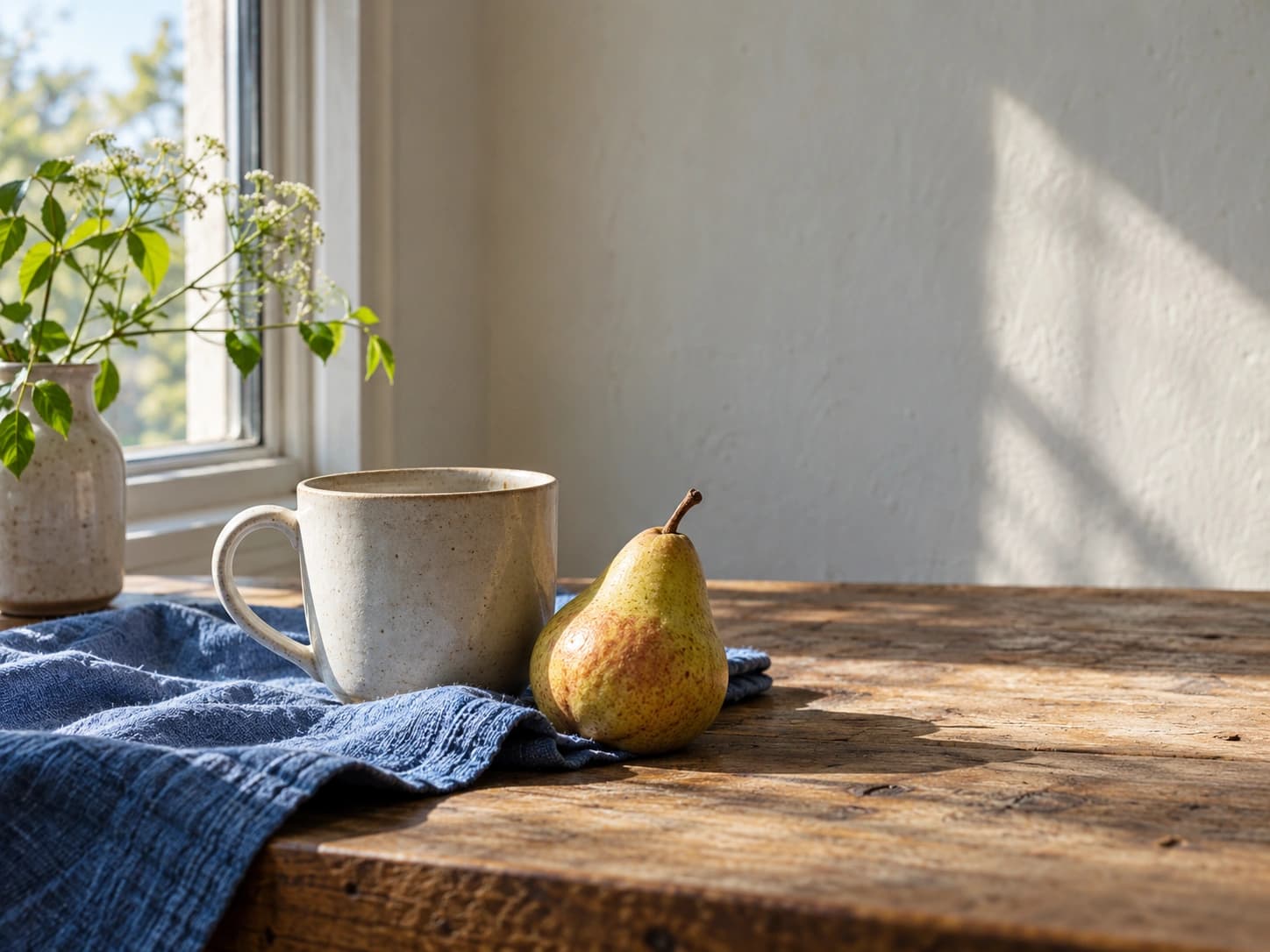
6 Europeana
Follow one subject across collections
Europeana connects material from cultural institutions across Europe, including artworks, books, music and video. Choose it when your curiosity is about a subject that could turn up in several kinds of collection.
A train station, for example, might be something to photograph, map, advertise or remember. Try that search, then compare the kinds of records you find rather than collecting only the prettiest images.
Try this: make a three-page concept for a fictional zine called “Waiting Rooms.” Give each page a different question: what does the place look like, how do people move through it, and what do they do while waiting? Use your own sketches and writing to answer them. Keep the archive links as reading notes.
Europeana links to the institutions that provide the material. A record can exist even when the source image is unavailable. Follow the provider link for context, and read each item’s rights statement before reuse.
Explore Europeana’s collectionsAccess and rights FAQ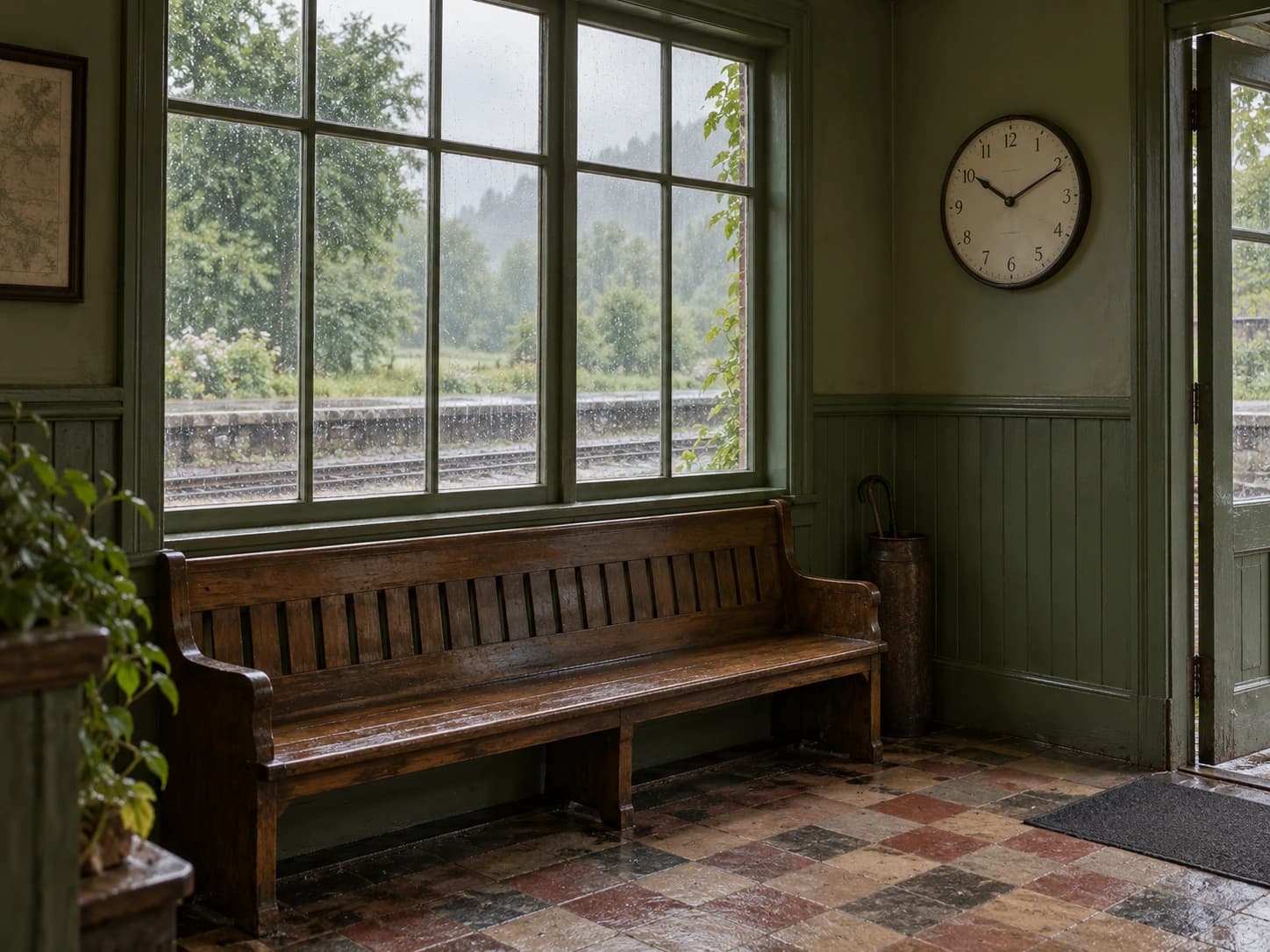
7 NASA Image and Video Library
Change the scale of what you notice
NASA’s Image and Video Library offers searches across images, video and audio. It is a promising place to explore scale, surfaces and movement, whether your starting word is a mission name or something as broad as clouds.
Read the description and credit before saving a result. Keep track of whether you are looking at a photograph, a visualisation or an illustration; those distinctions are part of what makes the material interesting.
Try this: find a reference whose composition you want to understand, then photograph something ordinary with a similar balance of light and dark. A backlit leaf or the edge of a bowl could give you a starting point. Make a square crop and a wide crop. You are looking for a new way to frame your own subject, rather than reproducing the source scene.
Check NASA’s media guidelines and the individual credit before publishing an asset. Third-party copyright, identifiable people and NASA branding require particular care. A NASA image should never be used to imply endorsement of your project.
Explore the NASA libraryMedia usage guidelines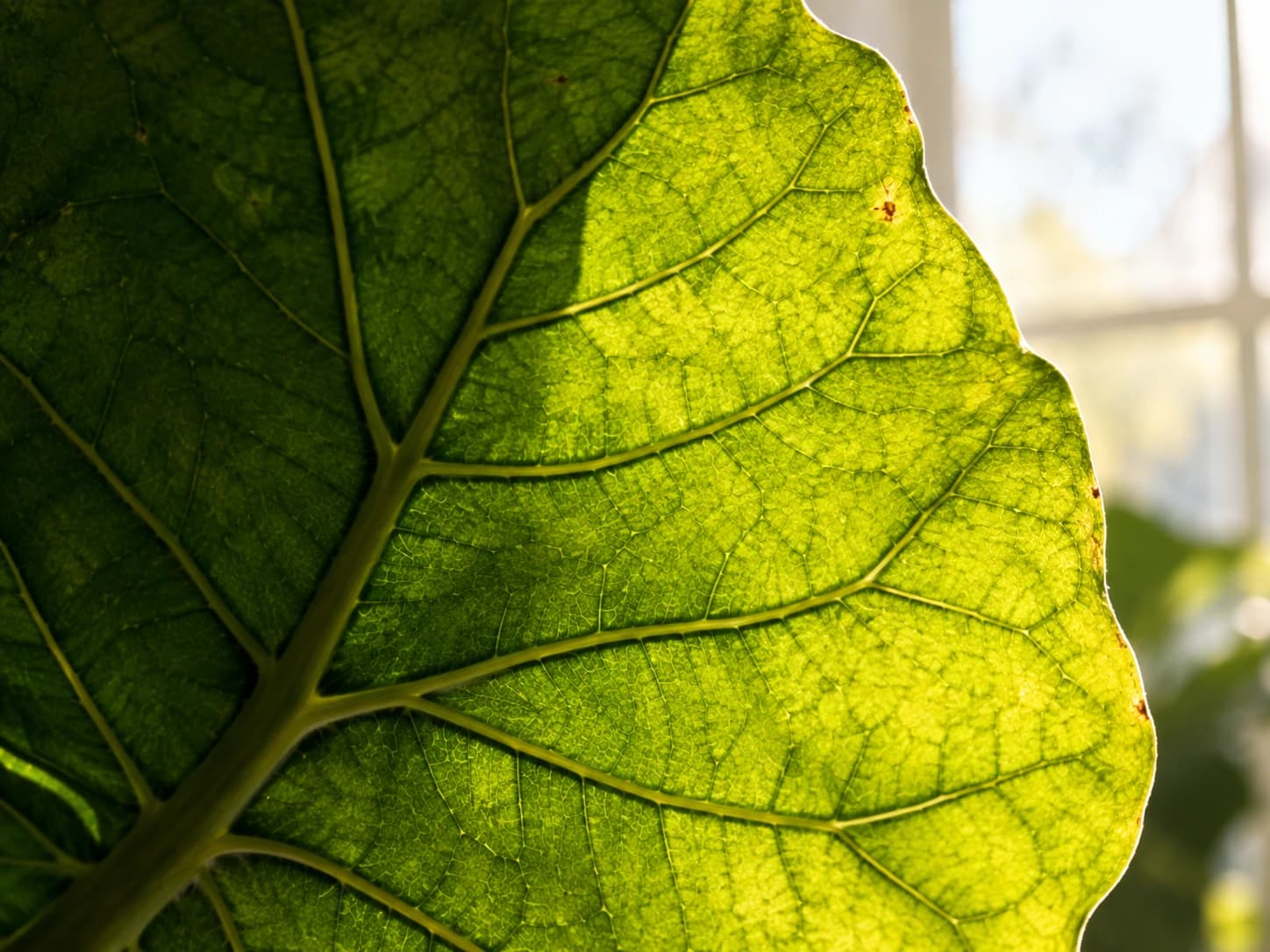
Keep one discovery and one question
You do not need to leave an archive with fifty downloads. Keep one object or image that made you stop, its source link, and a sentence explaining what you noticed.
For example: “The border makes the centre feel more important. Could a quieter border do the same job on my cover?” That is enough for a useful next sketch.
If you decide to reuse an image, save the creator, title, date, holding institution, source URL and rights statement together. Check the current record and any relevant restrictions for your intended use. Historical descriptions can also contain outdated or harmful language; read them with their context in mind.
About this selection
Biltib reviewed the linked official collection pages and documentation on 4 October 2026. The selections and creative exercises are editorial suggestions, not a performance ranking or a hands-on test of every search, download or account feature. Rights and availability vary by item. Check the original record before reuse.