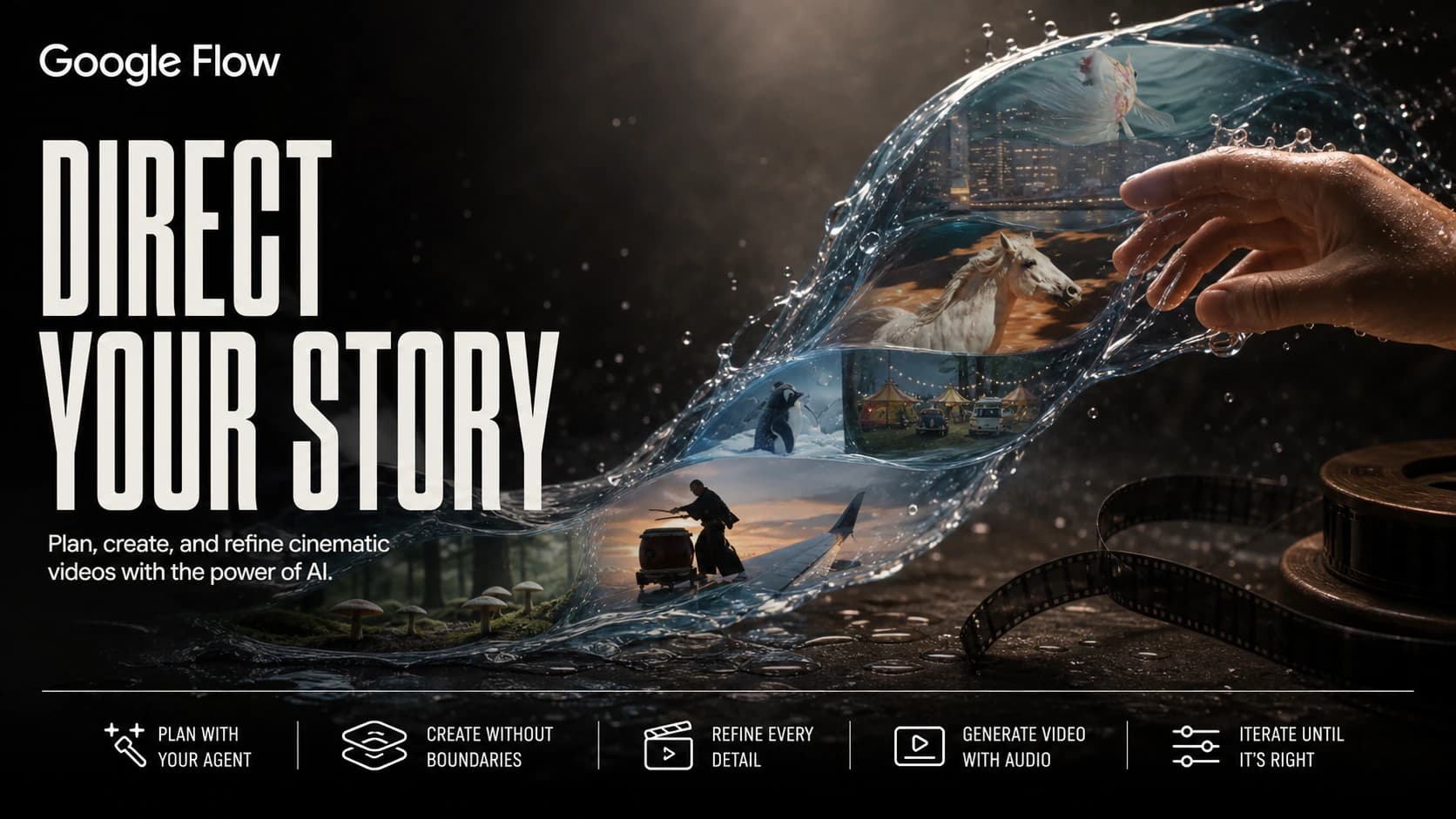
Google Flow
Create cinematic videos from prompts, images, and existing clips.
Save to collection
Choose a home for Google Flow.
Start your first collection below.
Why it’s worth your time
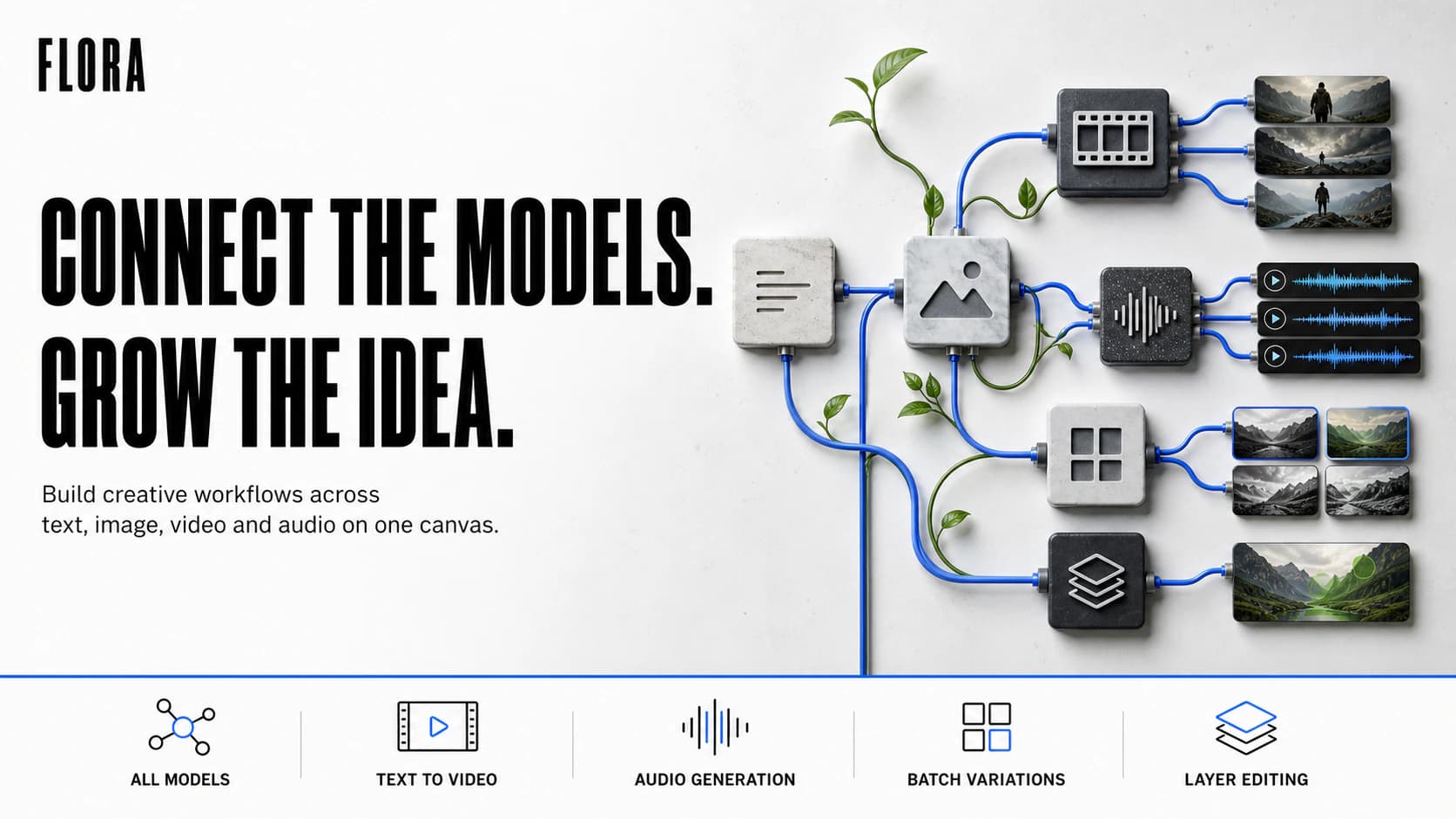
Google Flow is an AI filmmaking workspace built around Google's Veo video models, with Gemini and image-generation tools woven into the same creative process. It can generate clips from text, still images, reference assets, frames, and existing video, but its more important idea is continuity. Creators can save characters, objects, and locations as reusable "ingredients," then bring those ingredients into multiple shots instead of starting from a blank prompt every time. Scene Builder extends and rearranges shots so a project can develop as a sequence rather than a folder of unrelated generations. New elements can also be added or altered with direct instructions, while native audio generation can produce dialogue, ambience, and sound effects in compatible modes.
Flow makes the most sense as a place to develop shots before anyone hires a crane or asks an actor to run through the rain for take fourteen. Directors, designers, and small teams can test a camera move, character treatment, or scene idea while it is still cheap to change. Crowded action can wander, faces may forget themselves, and generated audio occasionally sounds ready for a film nobody intended to make. Still, the reusable assets and scene controls give the work a memory. That is what separates Flow from the usual AI-video slot machine.
Shared by
Spotted and shared by a Biltib member“Most AI video tools give me a beautiful accident and then dare me to reproduce it. Flow gets closer to actual art direction: I can reuse the same character, prop, or location as an ingredient, then carry it into another shot with Scene Builder. That continuity is the difference between making clips and making a film. Veo can still fumble audio or a crowded scene, but this is the first version of the workflow that makes me want a storyboard open beside it.”
Community notes
Keep discovering
Explore more →