Polycam
Turn photos and room scans into detailed 3D models.
Save to collection
Choose a home for Polycam.
Start your first collection below.
Why it’s worth your time
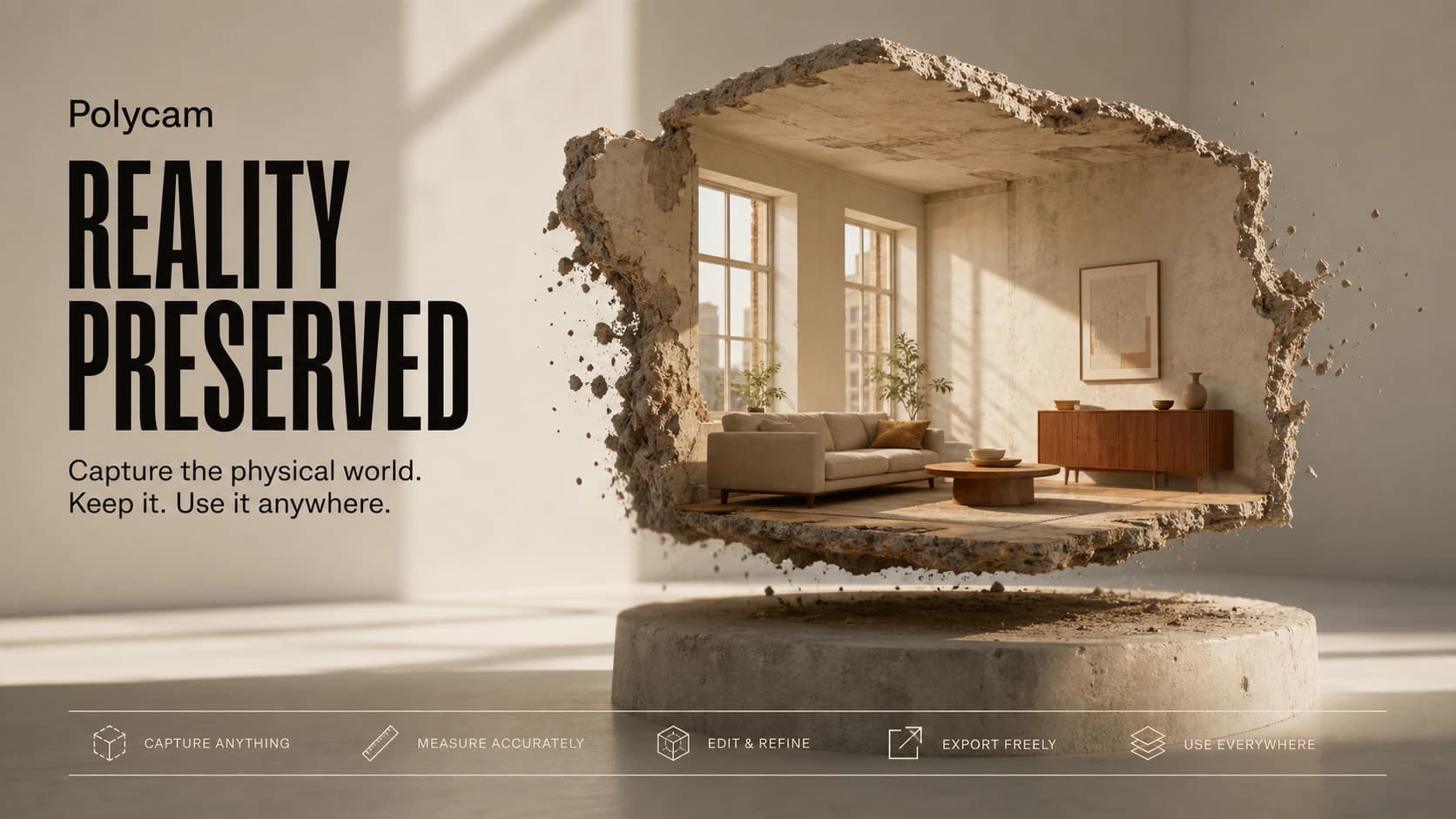
Polycam turns phones, tablets, and conventional cameras into practical 3D-capture tools. It can scan objects through photogrammetry, map supported spaces with LiDAR, build floor plans, create panoramic captures, and generate photorealistic Gaussian splats. The app guides the user around an object or through a room, indicates missing coverage, processes the captured images, and produces a model that can be measured, shared, or exported into common 3D workflows. Devices without LiDAR can still use photo-based capture, while AI Capture can turn a single image into a rough 3D asset when a complete scan is not possible.
Architects use Polycam for rooms, game artists use it for assets, and hobbyists use it to discover that a shiny vase is the natural enemy of photogrammetry. Space mode is especially practical because one walk-through can produce a textured environment, a simplified model, and a flat floor plan. Thin edges, glass, mirrors, moving subjects, and blank walls still cause trouble. Generous exporting also requires a paid plan. Under good capture conditions, though, Polycam makes a physical place feel suspiciously easy to pick up and carry elsewhere.
Shared by
Spotted and shared by a Biltib member“Polycam makes me look at a room and think, I could take this with me. A patient sweep can become a measured space, a textured model, a floor plan, or even a photoreal Gaussian splat; that is an absurd amount of capture power in a phone. Shiny surfaces and thin edges still expose the trick, and hobby use gets expensive once you want lots of exports. But when a real object survives the jump into 3D, it feels less like scanning and more like preservation.”