Squishify
Prepare a batch of images without sending them to a server.
Save to collection
Choose a home for Squishify.
Start your first collection below.
Why it’s worth your time
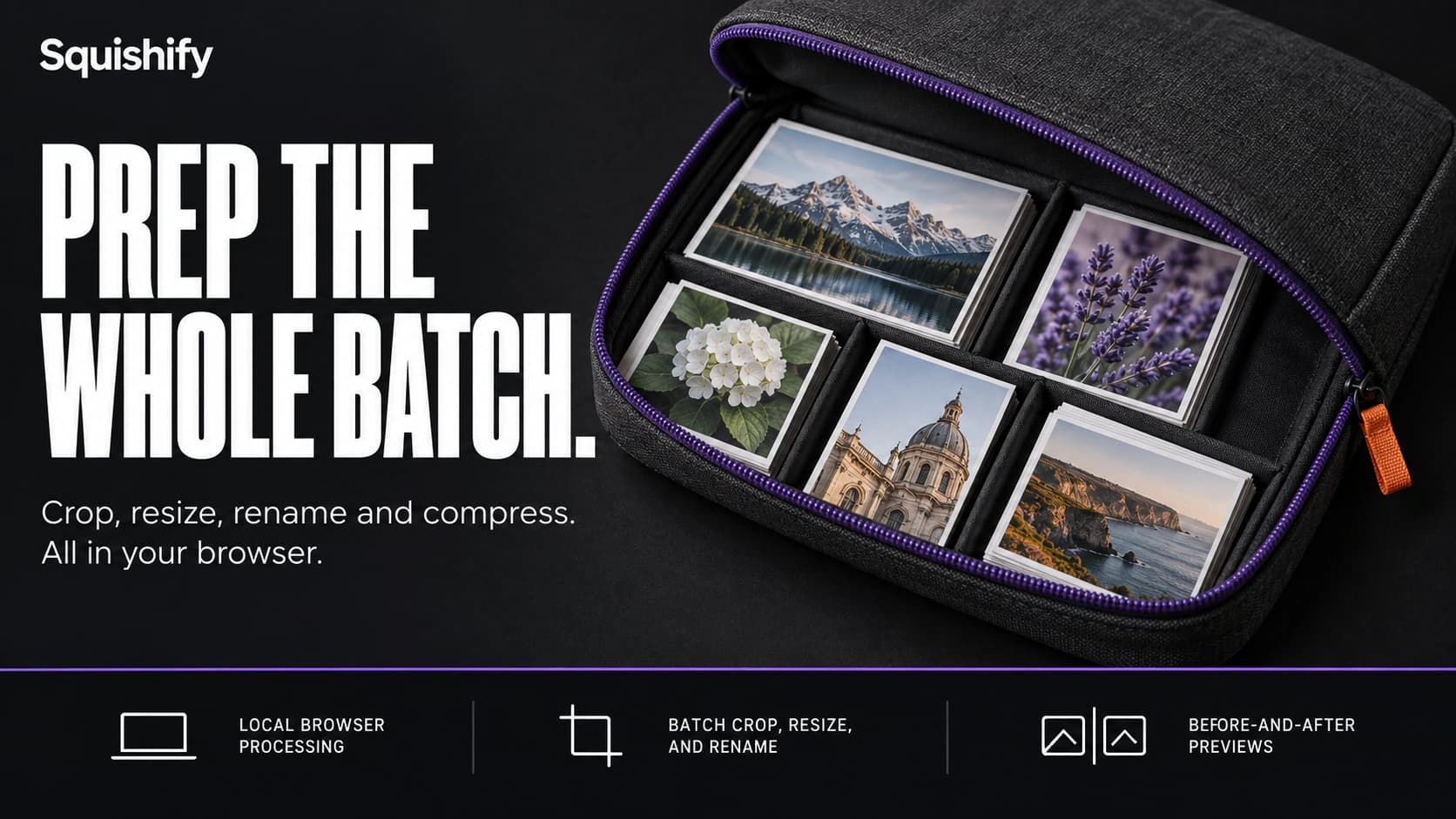
Squishify brings image preparation into a single browser workflow. Add a batch of images, crop or resize them, choose an output format, rename the files, and adjust compression before downloading the results. A before-and-after preview helps you judge the effect of your settings. Processing happens locally in the browser.
Creator Xavier Castaneda built it around the repetitive work of preparing images for websites. It supports AVIF, WebP, JPEG, and PNG output, with batch settings and individual adjustments. The free version includes cropping, resizing, and renaming; Pro adds workflow features such as presets, color adjustments, queue reordering, and session recovery. It is a focused option for getting a set of images ready for a website, store, or social post.
Using Squishify
Access and availability
Browser-based, with no installation required for the web app. The free plan handles up to 25 images per batch. Web Pro is listed at $30 per year and supports batches of 50, with a seven-day trial. A separate WordPress plugin is also available.
Shared by
Spotted and shared by a Biltib member“Squishify's appeal is the continuity of the task. Cropping, naming, and compressing a batch happen together, with a preview to help judge the result before downloading the finished files.”
Community notes
Keep discovering
Explore more →More from Biltib