PixSift
Find saved screenshots by the words inside them.
Save to collection
Choose a home for PixSift.
Start your first collection below.
Why it’s worth your time
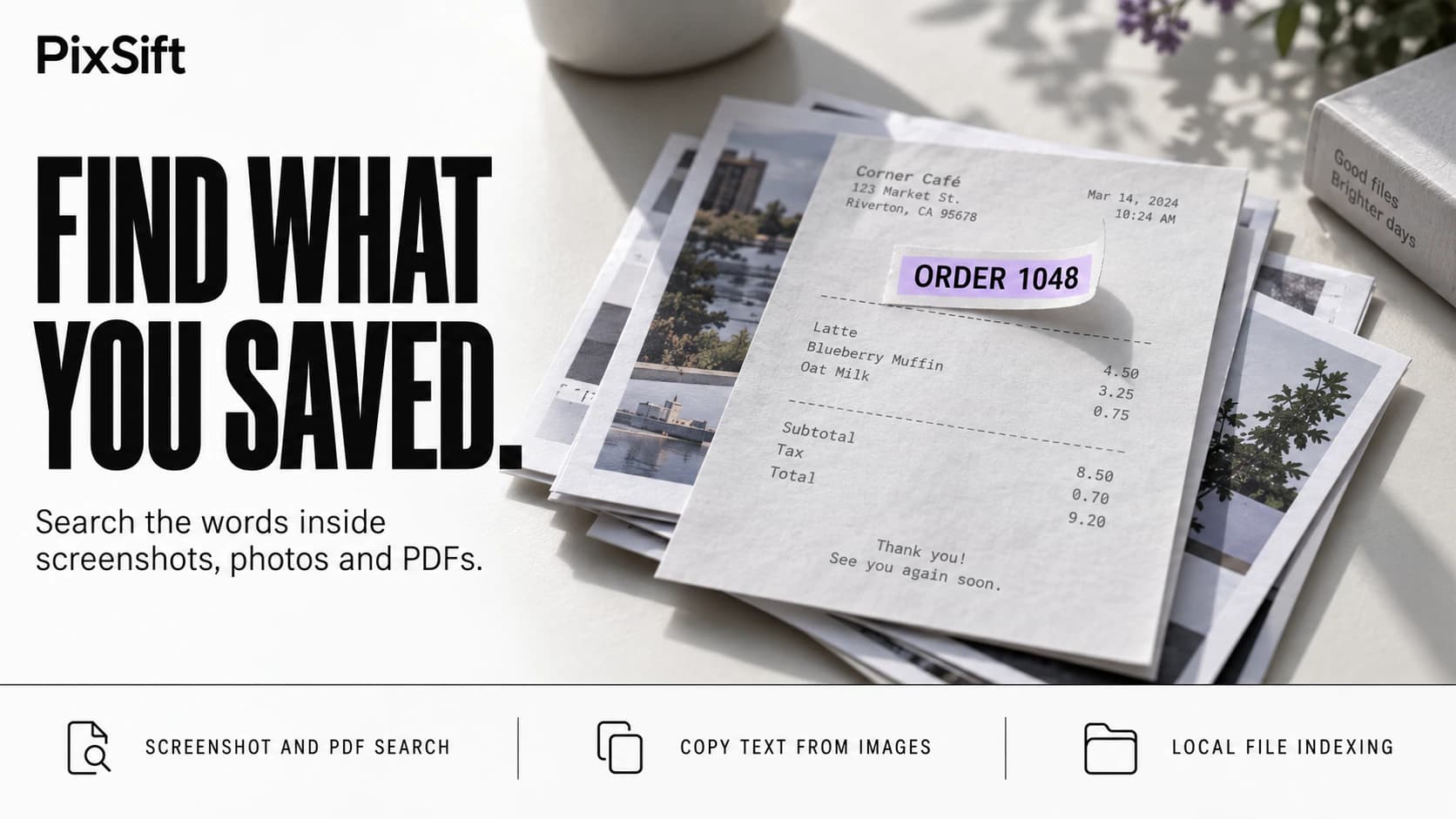
PixSift makes text inside screenshots, photographs, and scanned PDFs searchable on Windows. Choose the folders to index, then search for a phrase, reference number, or other detail you remember. You can also select and copy text from images, preview files, and retrieve results through a keyboard shortcut.
Built by solo developer Rohan, PixSift focuses on files you have deliberately saved. The developer says indexing and text recognition run locally, with no cloud uploads or background screen recording. It suits collections of receipts, error messages, scanned documents, and other images whose filenames reveal little about their contents. Recognition is less reliable on poorly lit or angled photographs, so the trial provides a way to assess it with your own files.
Using PixSift
Access and availability
Windows 10 and 11. A 14-day trial is available without a card. The current introductory price is $19.95 for the first 100 licenses, with $29 listed afterward. It is a one-time purchase.
Shared by
Spotted and shared by a Biltib member“PixSift addresses the gap between saving information and finding it again. Searching the words inside an image makes a growing screenshot folder more useful without requiring you to rename every file.”
Community notes
Keep discovering
Explore more →More from Biltib